
In this article we’ll show you how to back up a MySQL database in cPanel.
How to Backup a MySQL Database in cPanel #
Here are the steps you need to take in order to back up a MySQL database in cPanel:
1. Log in to your cPanel account.
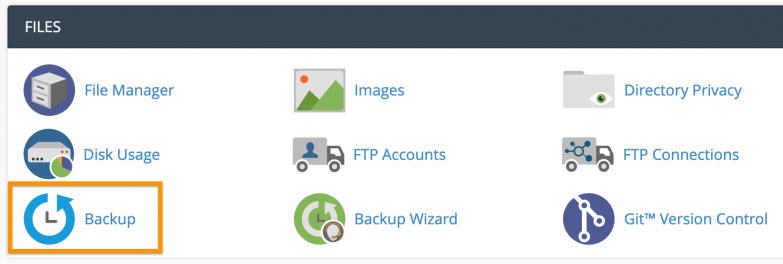
2. Navigate to the Files section and click on Backup.
3. In the next window, under the Download a MySQL Database Backup click on the name of the database in order to download it.
4. You will be prompted to save a compressed archive. Make sure you save the file in a secure location on your hard drive, preferably not on the same partition as the OS.
That’s all there is to it. You’ve successfully backed up your database. Now you are able to recover your database in case someone accidentally deletes it, or if you wish to make changes without risking destroying your original data.


