
Sometimes the AWStats aren’t enough and you need to download your Website Access Logs for a deeper examination. Not to worry, cPanel makes this really easy!
Step 1: Log in to your cPanel. There’s a lot of ways to do this, but the sure-fire easiest way is to log in to your Client Area, then open your cPanel.

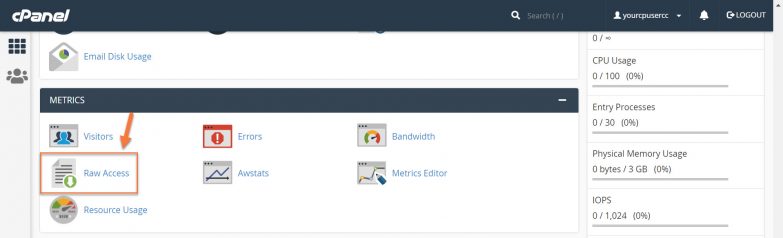
Step 2: Look for the Metrics section (6th from the top of cPanel) and click Raw Access.
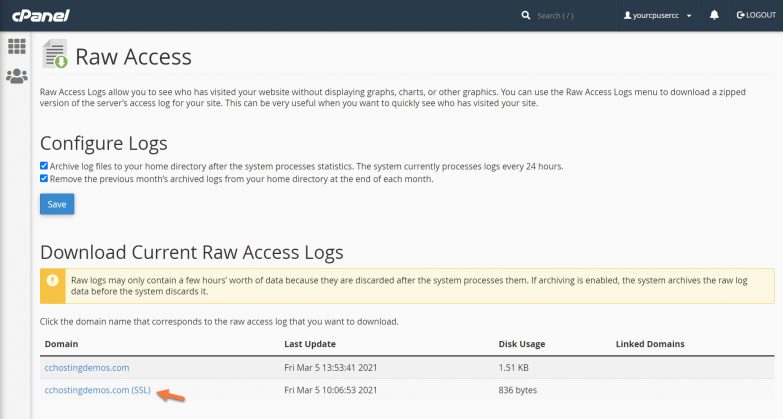
Step 3: When the Raw Access panel has opened, click the domain for which you want to download raw access logs.
After clicking the domain link, your access logs will be downloaded in a tar.gz format.
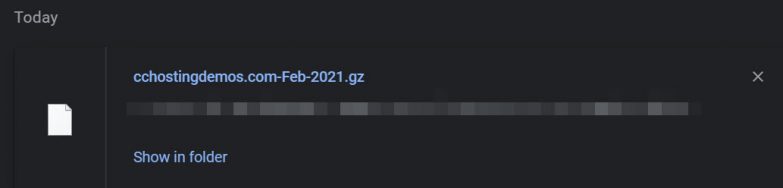
You can use a program like 7Zip or a command-line utility to unpackage these files and import them into the application of your choice for further examination.


