This tutorial details how to terminate and permanently delete an account in WHM.
You can easily remove a hosting account from your reseller plan which you no longer need or use from WHM by following these steps:
2) Scroll down and click on the Terminate Accounts button located under the Account Functions section.

3) Select one or multiple accounts by clicking on the checkbox located in front of the username.
You can use the search function to find the account by using either the domain name or the username of the account.
If you’d like to keep the account’s DNS Zone, check the box for this option.

4) Click on Terminate button to proceed with the termination.

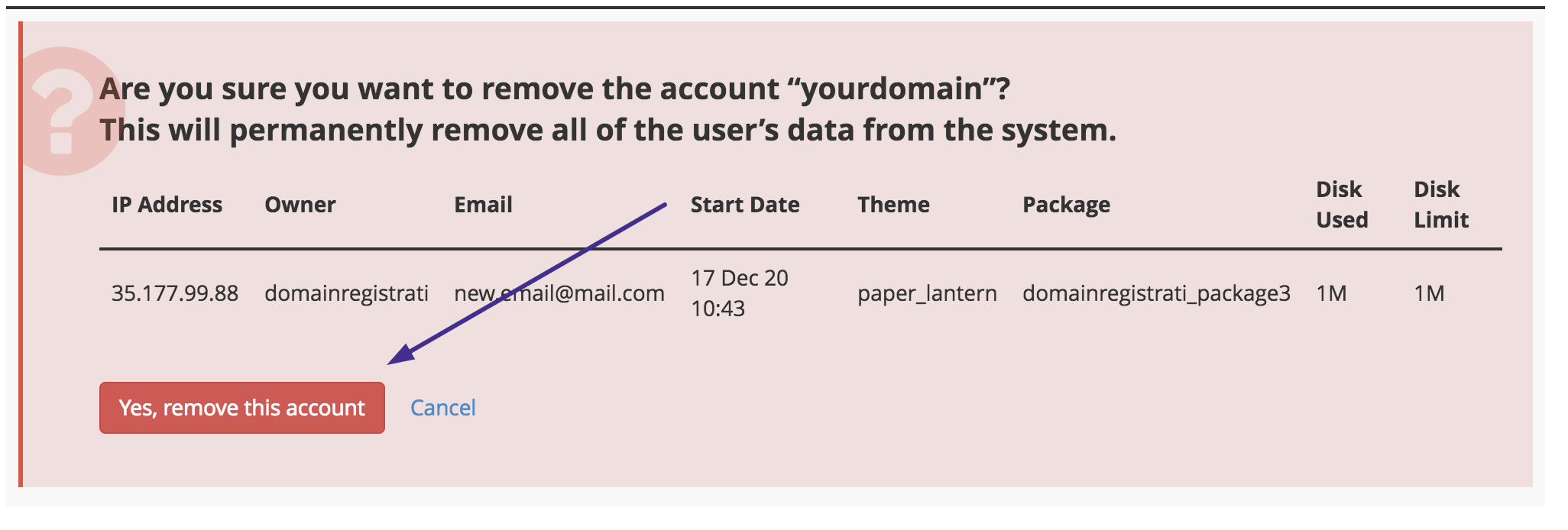
5) A warning message will appear next, review everything and click YES if you want to proceed.